
Dearly
Never let someone you care about feel forgotten.
Dearly 소개
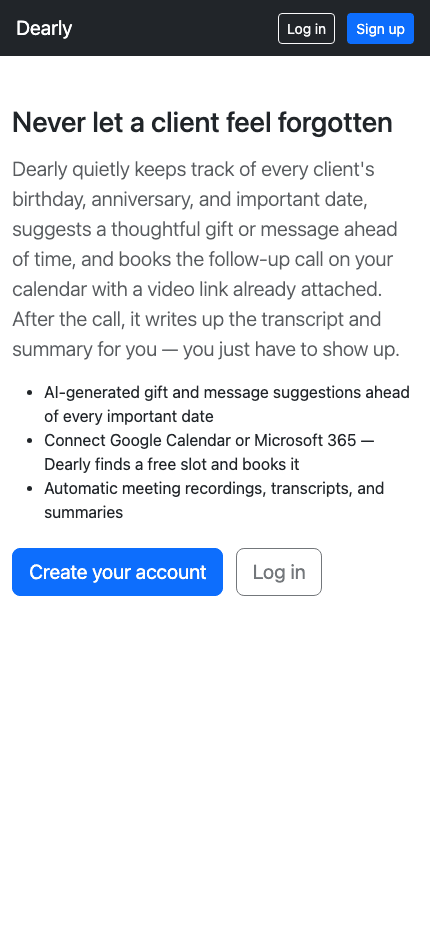
Dearly is the quiet assistant that remembers what you don't have time to. It keeps track of every birthday, anniversary, and important date in your life — clients, family, or old friends — and makes sure you're never caught off guard by one again.
Ahead of every date, Dearly suggests a thoughtful gift or message tailored to the relationship, so you're never staring at a blank text box wondering what to say. For work relationships, it goes further: connect your Google or Microsoft calendar and Dearly finds a free slot, books the follow-up call, attaches a video link, and — once the call happens — writes up the transcript and summary for you automatically.
Every new account gets 2 months of full access, free, no card required — including the AI suggestions and calendar automation. After that, Dearly Plus keeps it all running for $9/mo.
- 플랫폼:
- Installable web app (iOS, Android, desktop)
- 출시일:
- 2026년 8월 2일
기능
- 2 months of full access free, no card required
- Unlimited people and important dates
- Email reminders ahead of every birthday, anniversary, or custom date
- AI-generated gift and message suggestions, calibrated to the relationship
- Connect Google Calendar or Microsoft 365 — Dearly finds a free slot and books it
- Auto-booked meetings with a video link already attached
- AI meeting recordings, transcripts, and summaries after every call
- Installs like a native app on iOS, Android, and desktop — no app store required
가격
Free trial
$0 for 2 months
- ✓ Everything, unrestricted
- ✓ Unlimited people & important dates
- ✓ AI suggestions, calendar auto-booking, meeting summaries
Dearly Plus
$9/mo
- ✓ Everything in the free trial, ongoing
- ✓ AI gift & message suggestions
- ✓ Calendar connect + auto-booking
- ✓ AI meeting recordings & summaries